Archive post
Clive updates - loading transactions from files & more CLI commands are now available
The following features were added to the Clive: loading a transaction (signed and to be signed), saving a signed and unsigned transaction to file, and creating profiles using CLI
The following features were added to the Clive: loading a transaction (signed and to be signed), saving a signed and unsigned transaction to file, and creating profiles using CLI.
## Loading a transaction from a file
The feature is available on the Operations view.
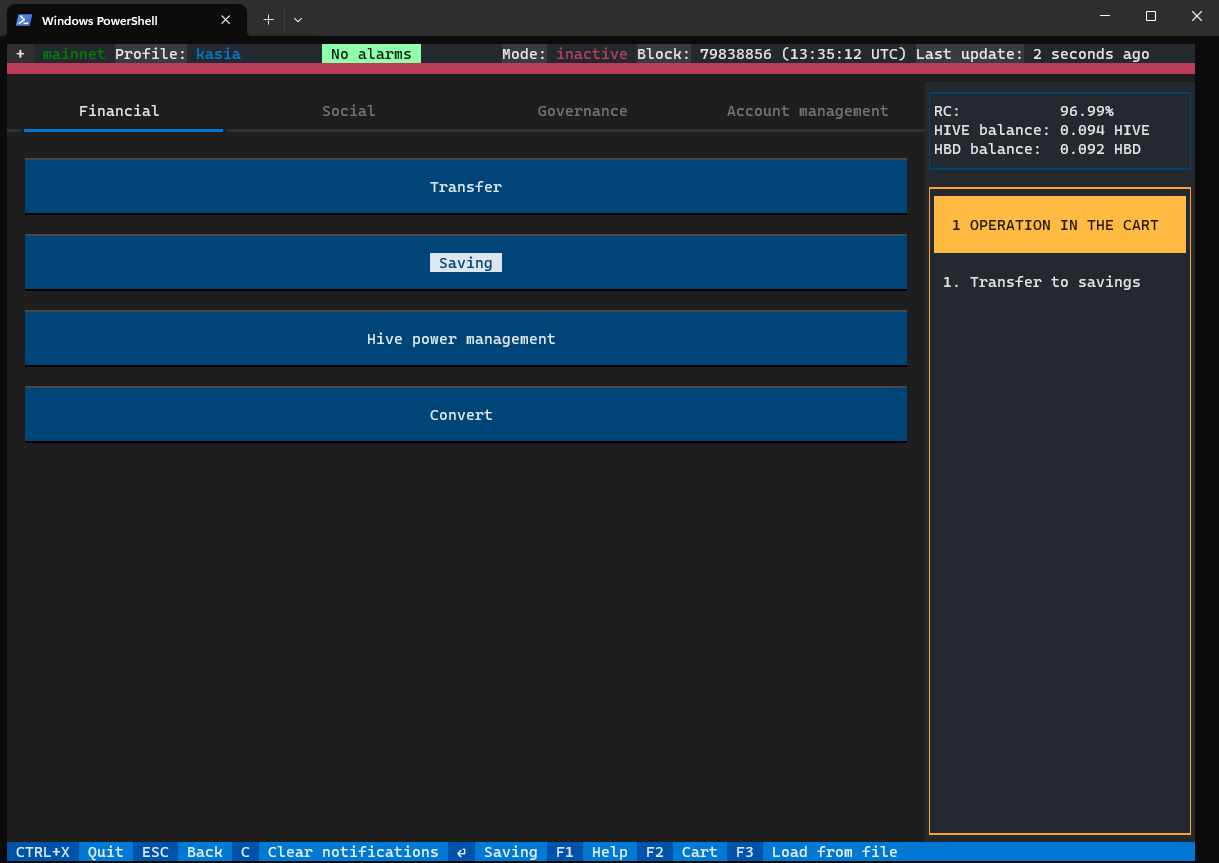
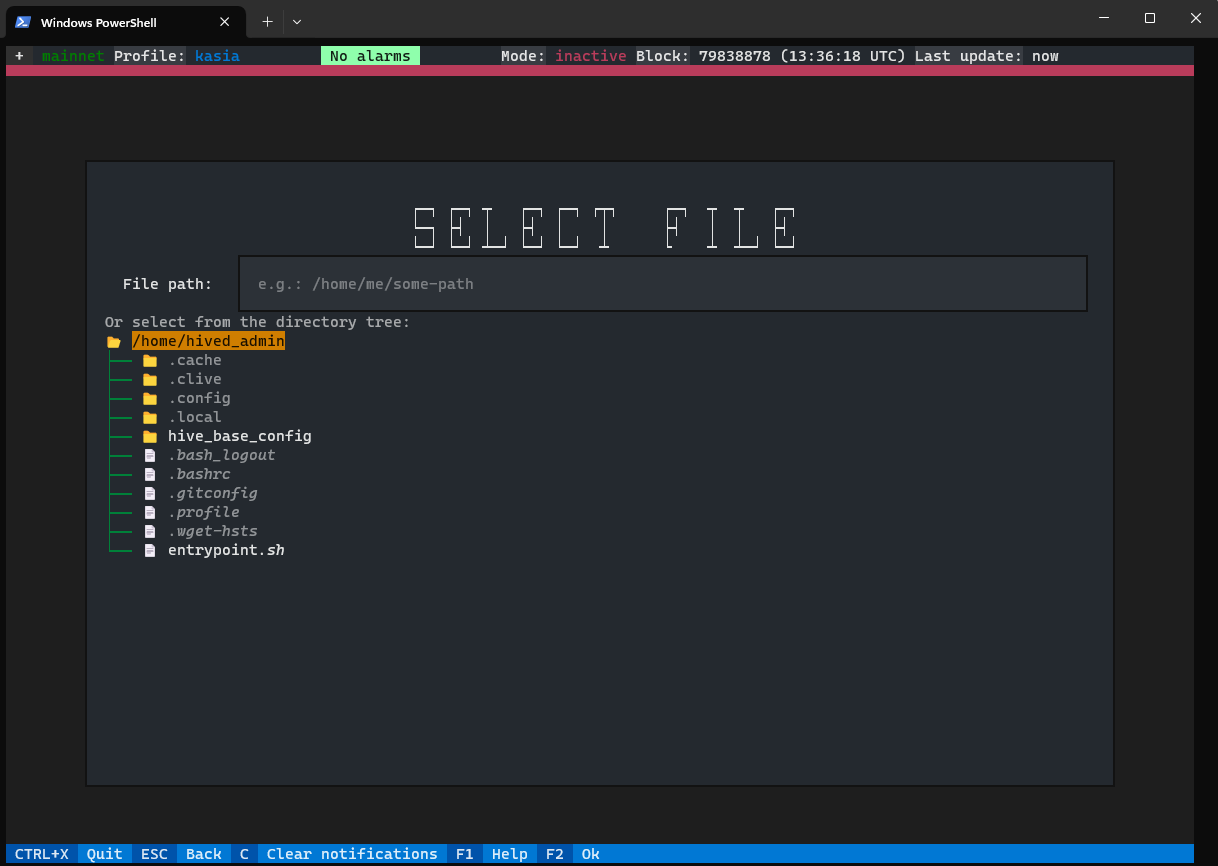
After choosing Load from file from the bottom menu, you may select a file.
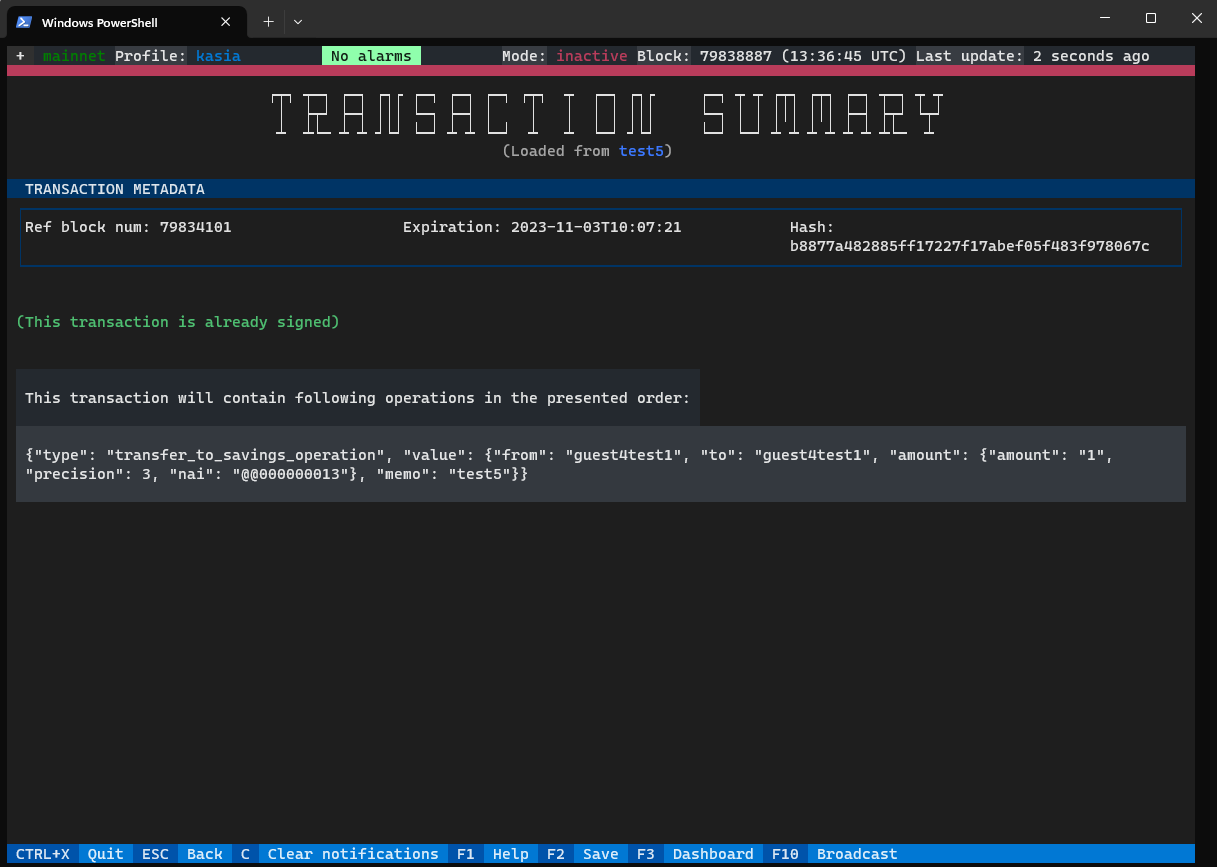
When the file is uploaded, the transaction is presented on the transaction summary.
On the screen, there is information about the file name, whether the transaction is signed or not, and transaction metadata.
If you already have some operations stored in your cart, loading and broadcasting a transaction from a file won’t affect them.
Only JSON files can currently be imported. Support for binary files will be added in future versions.
## Save a transaction to a file
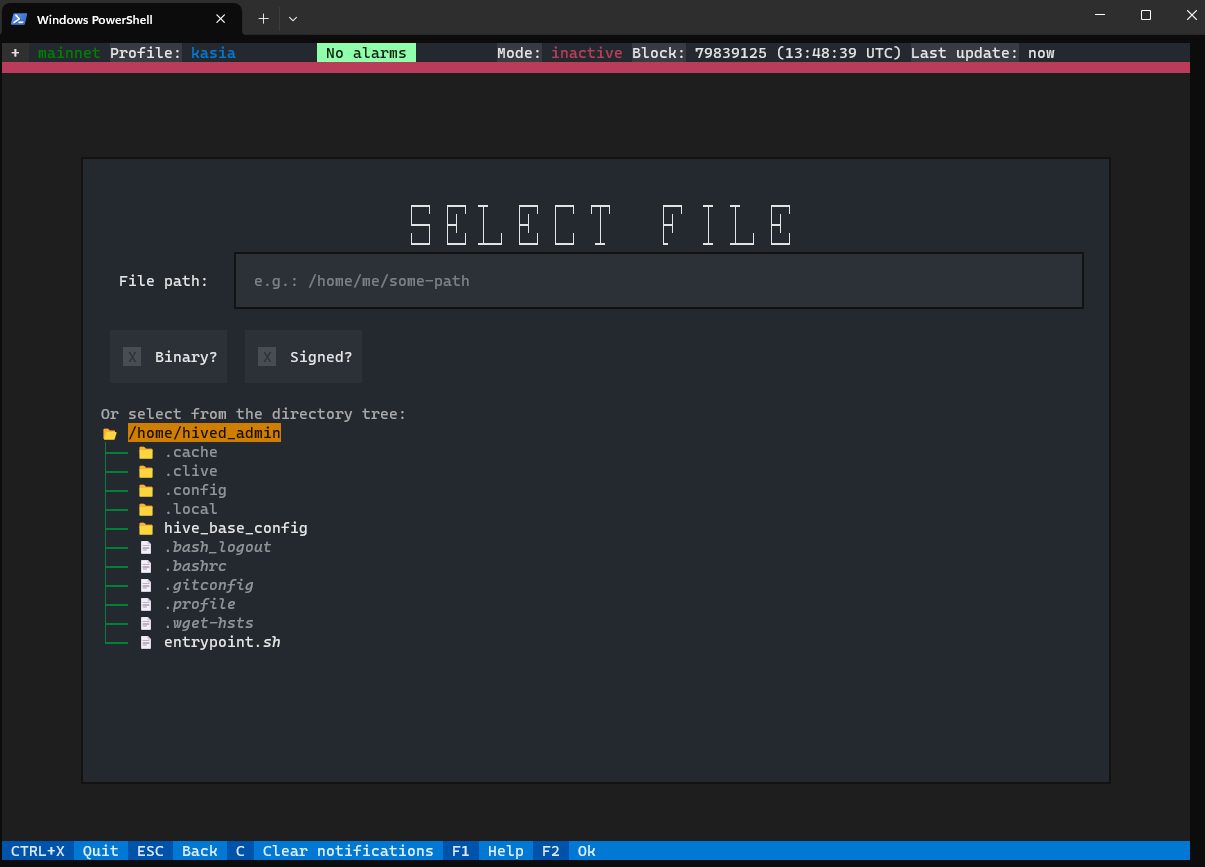
There is also a new feature that allows you to decide whether you want to save signed or unsigned transactions.
Saving transactions in binary format will be available soon.
## Creating a profile using CLI
To help you use the CLI in an easy and comfortable way, command descriptions are available. If you don’t know how to use a command you can type `clive